Manage chapters
Open the chapter actions menu above or below the editor. From there you can move to the previous or next chapter, add a chapter before or after the current one, merge with the previous chapter, or delete the current chapter.
Good to know
- Drag chapters in the chapter dropdown to reorder them.
- Use Split Chapter from the slash menu when one chapter needs to become two.
- Merging appends the current chapter to the previous chapter and removes the current chapter.
Front matter and end matter
Insert Special adds standard pages such as title, copyright, dedication, preface, acknowledgments, about the author, bibliography, or other configured book matter. Change Type can convert an existing chapter between body, front, and end matter.
Table of contents
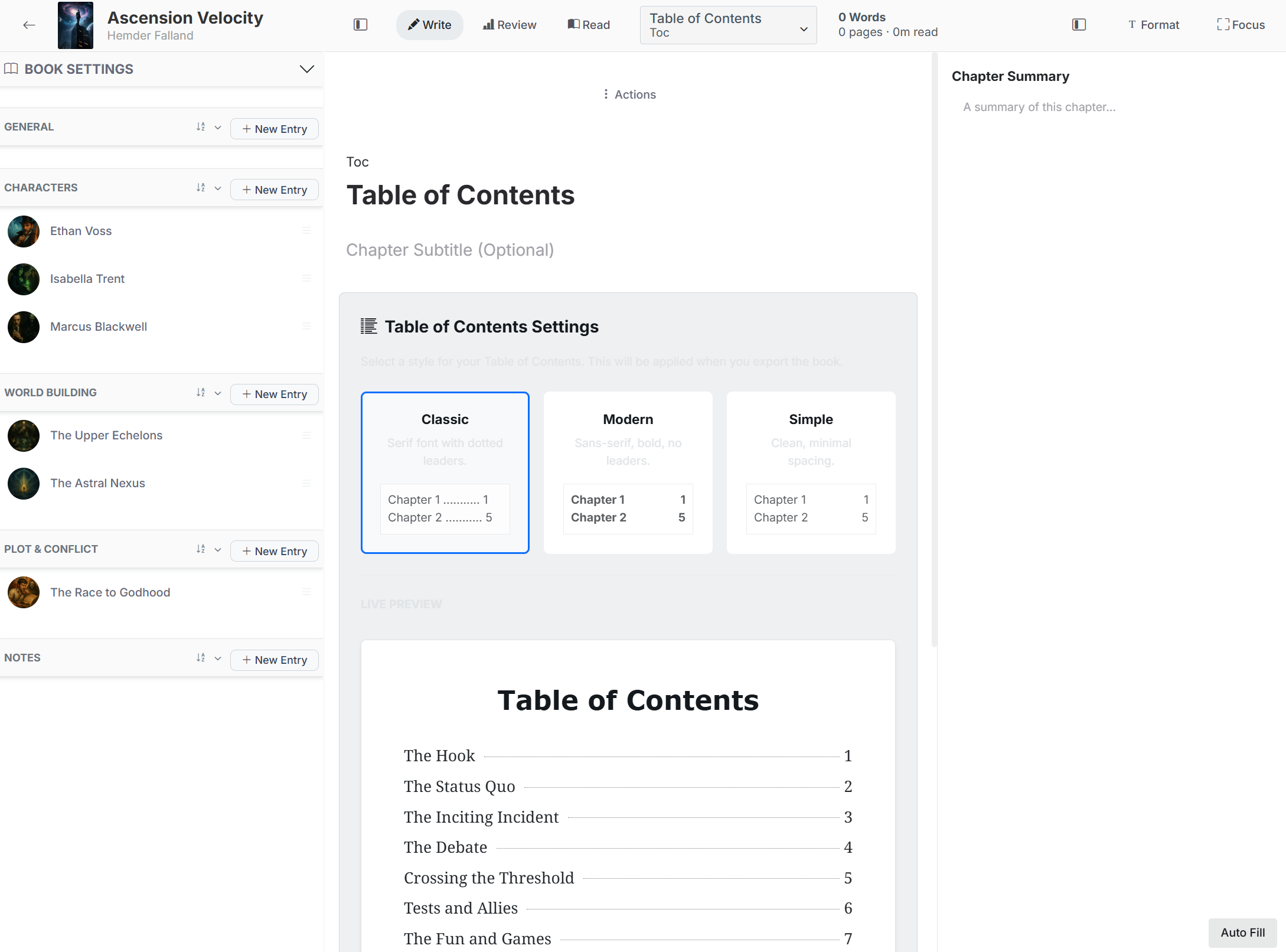
Every created or imported book includes a table-of-contents chapter. Open it to select a visual style and inspect the live preview. The selected style is used when the book is displayed and exported.
Good to know
- The table of contents is generated from the current chapter order.
- The table-of-contents chapter cannot be deleted, split, or merged.
- Use Read mode to review how the structure flows as a complete book.
Start from a structure
When creating a standard book, you can choose a predefined narrative structure instead of Blank. FictionFusion creates chapters from that template and stores each structure description as the initial chapter summary. Everything remains editable.