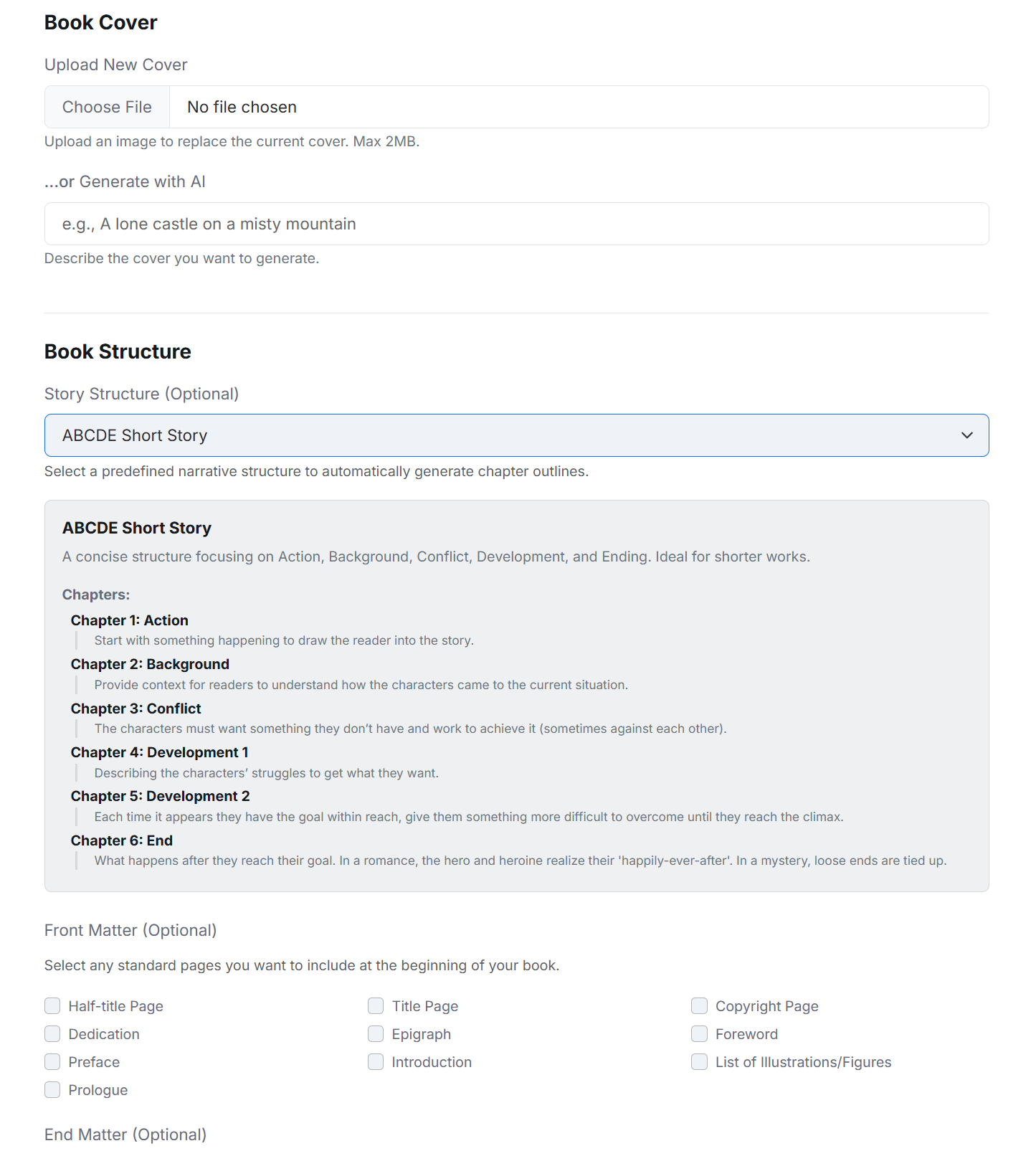
Book details and cover
Use New Book or Edit Details to manage the title, author, description, genre, tense, language, and cover. Depending on enabled integrations, a cover can be uploaded, generated from a prompt, or selected from BookCoverZone.
Good to know
- Uploaded covers accept common image formats and currently have a 2 MB limit.
- Changing book metadata does not rewrite existing prose.
- Tense and language help give AI requests the correct context when AI is used.
Import a DOCX manuscript
Import uses headings in the document to identify chapters. The preview is important because Word files vary in structure. Finalizing the import replaces the temporary chapter structure with the chapters shown in the preview.
From My Books, select Import DOCX.
Enter the new book details and choose the .docx file.
Create the book to open Import Preview.
Review detected chapter breaks and edit chapter titles.
Add or remove breaks where needed, then select Finalize Import.
Export your manuscript
On My Books, use DOCX for an editable Word document or EPUB for an ebook file. Exports use the current chapter order and include supported front matter, body chapters, end matter, headings, formatting, images, and table-of-contents choices.
Good to know
- Review the book in Read mode before exporting.
- Confirm chapter titles and special chapter types before creating the final file.
- Always inspect the exported file in the software or publishing service where you plan to use it.